RecallSpring
Study your own material. Your reviews plan themselves.
An open-source study app that runs on your own computer. Learn with the AI assistant you already have; RecallSpring plans your reviews around your exams and keeps every answer and grade.

Why RecallSpring
Built for students preparing for midterms and exams from their own slides, notes and old papers.
Bring the AI you already have
Study with Claude, Codex, Google Antigravity or ChatGPT, on the plan you already pay for. No API keys, no extra subscription.
Continue anywhere
Start a topic in one assistant and pick it up in another. Your answers, grades and plan live in RecallSpring, not in a chat.
Learn first, no flashcards
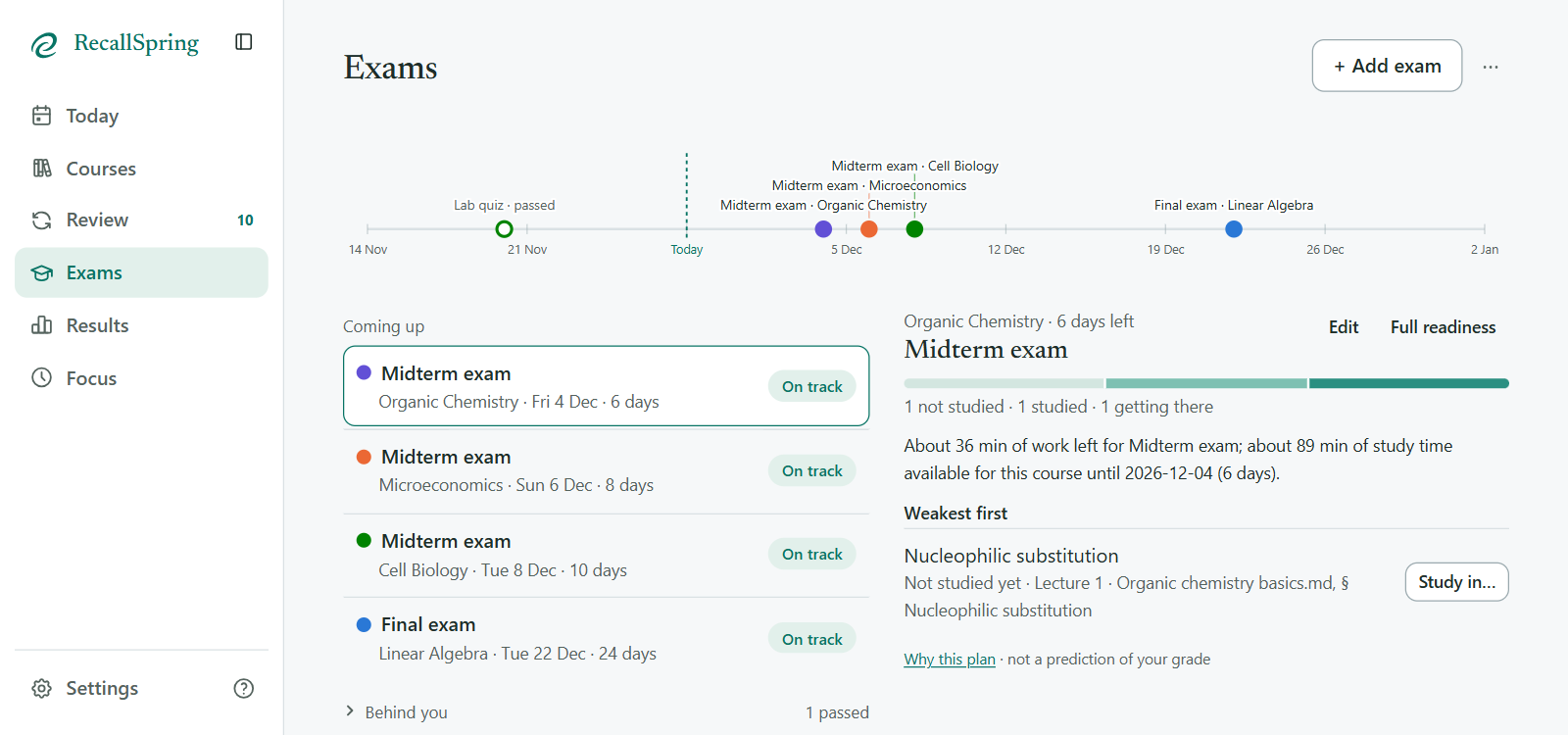
Read and summarise in your own words; questions come after. Reviews are scheduled from your graded answers and planned around your exam dates.
Works without AI too
The review schedule and study plan are worked out by RecallSpring itself, with no model call.
Your data stays yours
It runs on your computer. Export everything as plain files, keep a copy in your own cloud folder, and back up encrypted.
Open source
AGPL-3.0. Read the code, run it, change it. No tracking, and nothing is sent to the authors.
How it works

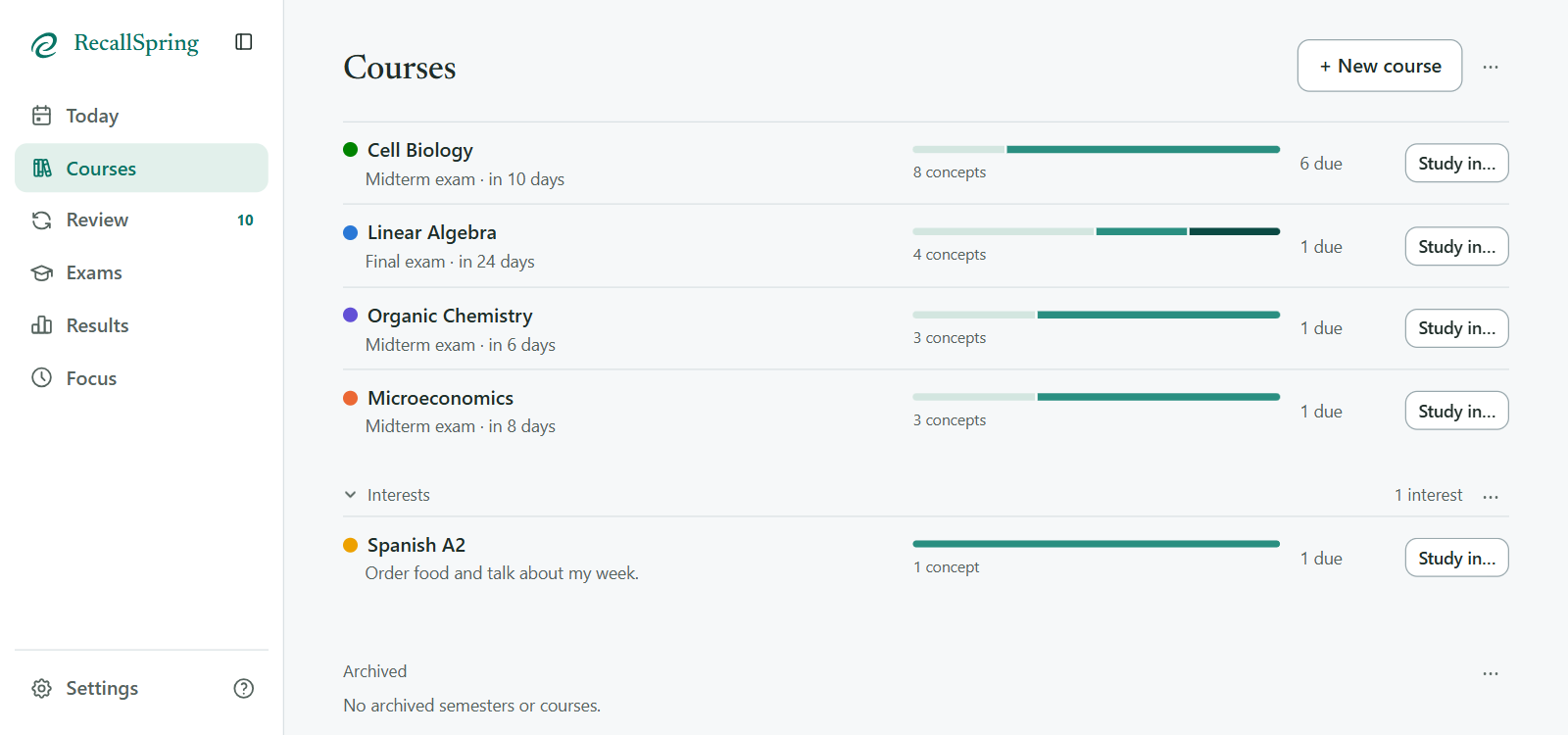
- Add your course and materialSlides, PDFs, Office files, photos of your notes. Set the date of your exam and add an old paper if you have one.
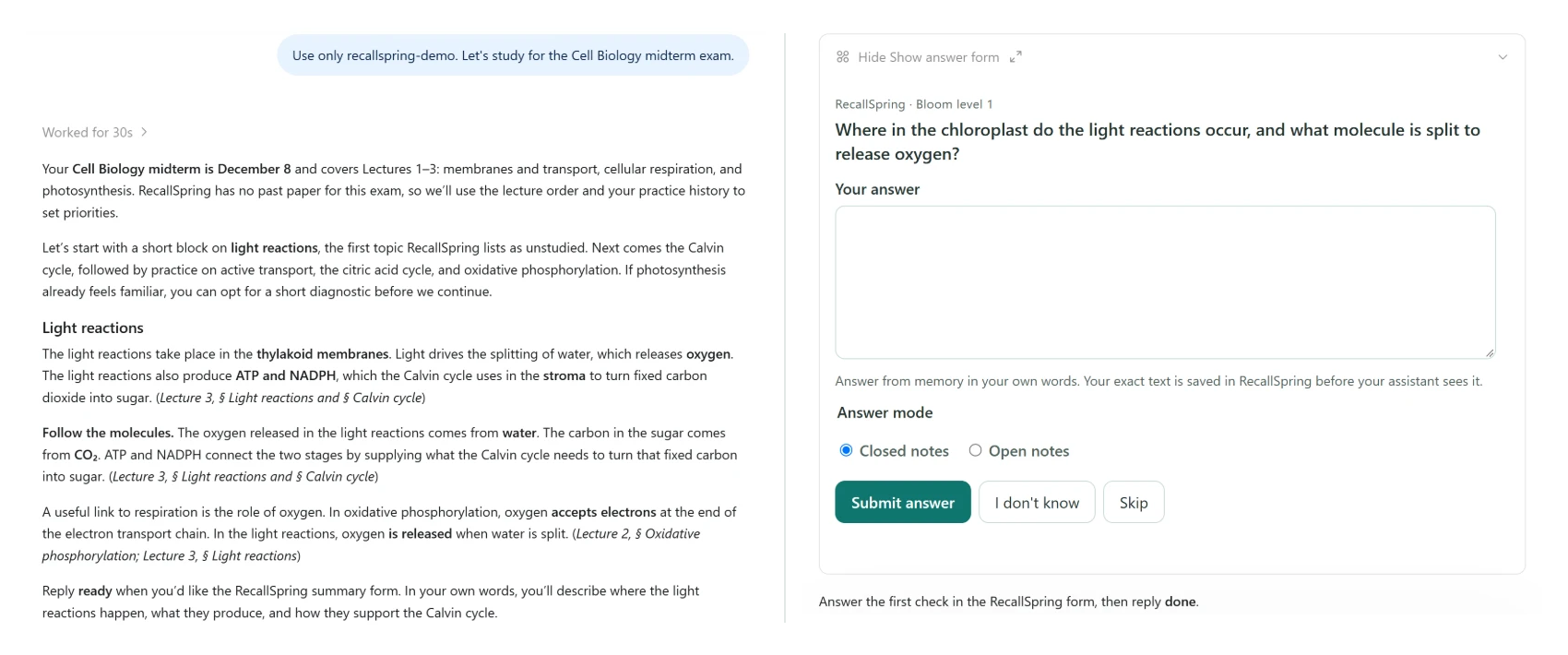
- Study with your assistantIt reads today's plan, teaches from your material with page citations, and asks you to summarise before any question.
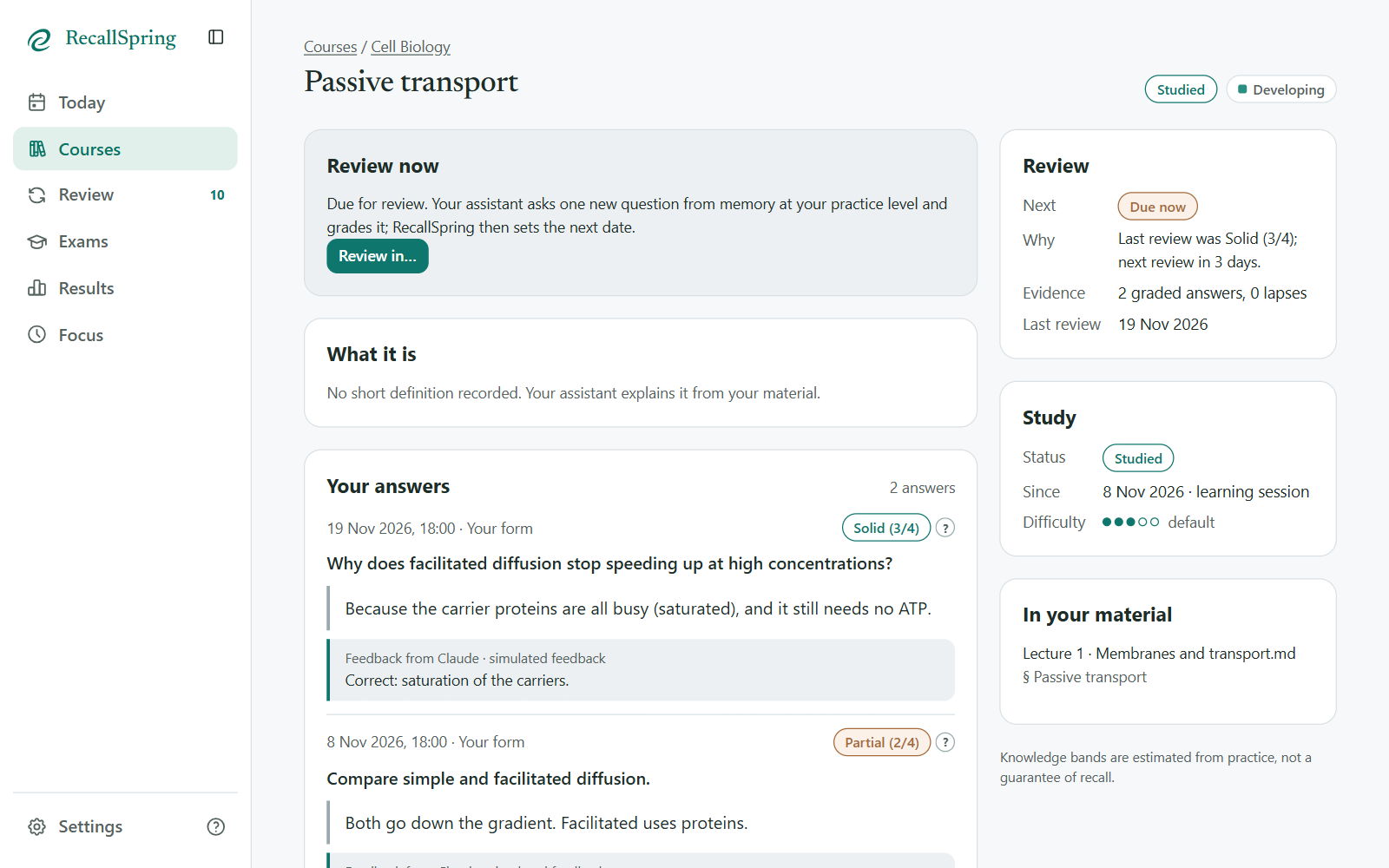
- Answer, get graded, move onEvery answer is saved before it is graded, with its reasons and sources. RecallSpring decides what to review and when.
Install
One command, on any computer with Docker running. It says what it will do and asks before it changes anything.
macOS and Linux
curl -fsSL https://recallspring.org/install.sh | shWindows (PowerShell)
irm https://recallspring.org/install.ps1 | iexPrefer to read it first? Download the script from the releases, read it, then run it. A Windows version without Docker is on the way.
- Checks every file against the release's SHA-256 hashes
- Reachable from your own computer only (127.0.0.1)
- Never installs Docker, never needs sudo or administrator rights
- Prints a one-time link to create your account
- Nightly backups, and updates that back up first
- Images built in the open, with signed build provenance
The full guide, with options, updates and backups: install with Docker.
A look inside